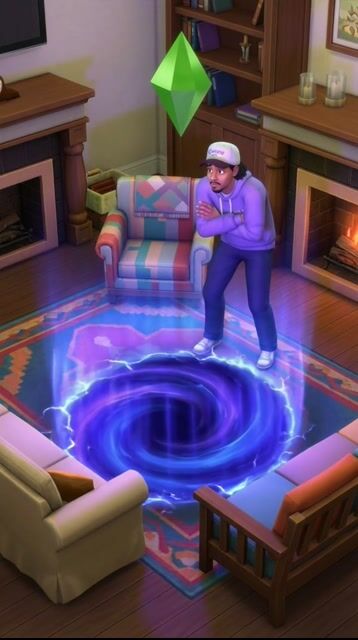
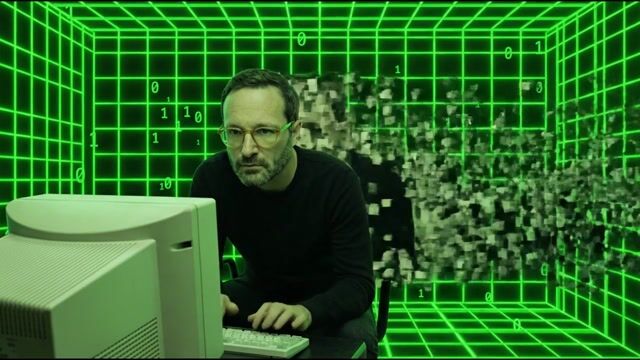
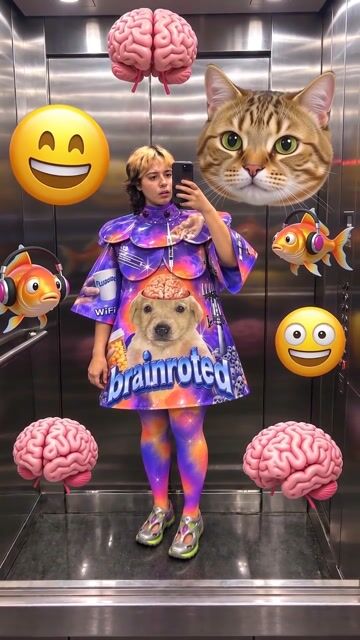
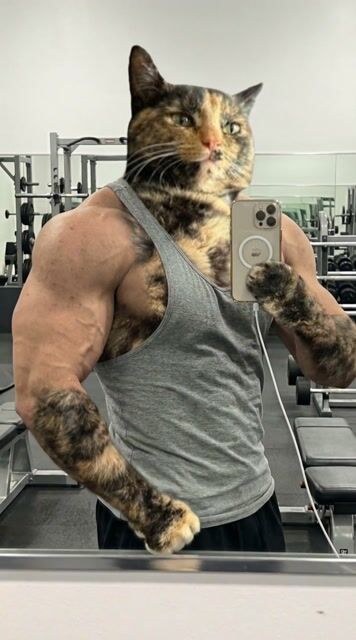
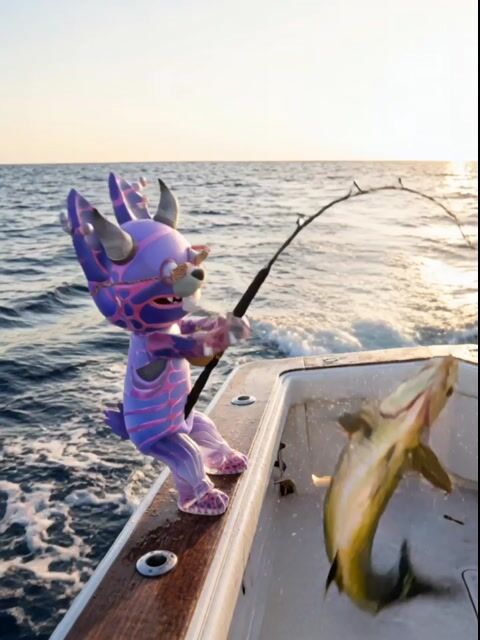
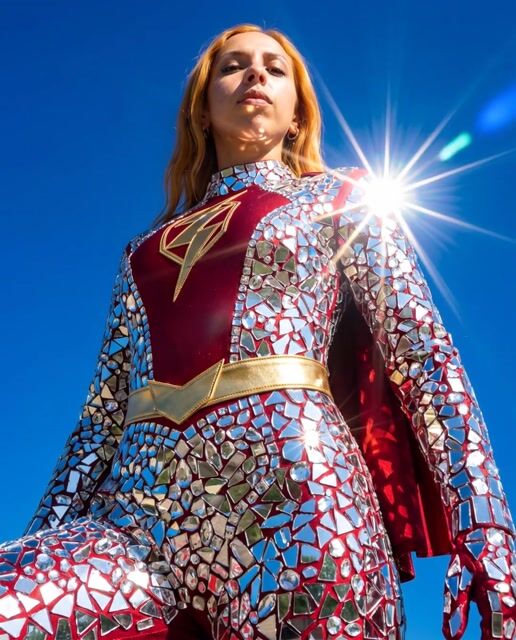
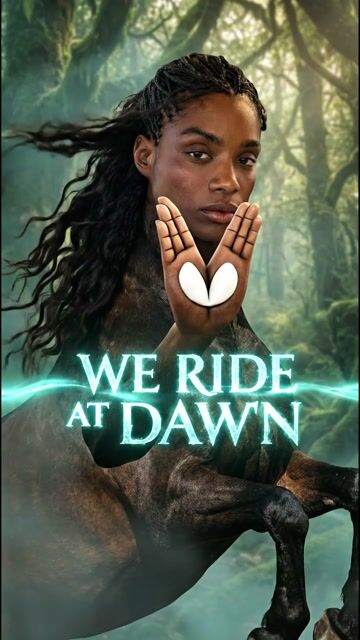
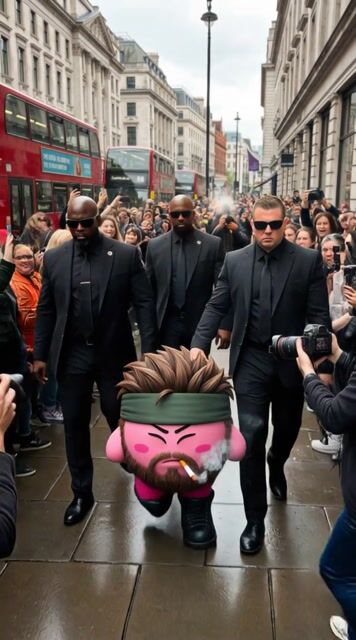
Degen is an AI-powered creative app. You pick a skill — a ready-made creative recipe — give it a prompt or a photo, and Degen generates a piece of content for you. Each result is called a gen. You can share your gens, discover what other people are making, and follow the creators you like.
Open the Create tab, choose a skill, and follow the prompts — some skills ask for text, others let you add a photo or pick options. Tap generate and your gen will start cooking. When it's ready it shows up in your library, and you'll usually get a notification.
Most gens are ready in under a minute, but it depends on the skill and how busy things are. You can leave the screen while it works — your gen keeps generating in the background and appears in your library when it's done.
Depending on the skill, Degen can generate images, videos, and other media. Each skill is tuned for a specific style or effect — browse the Create tab to see what's available, and check back often because new skills drop regularly.
Many skills let you re-roll or edit a result — look for the edit option on the gen itself. Editing creates a new version and may cost tokens, just like a fresh generation. Your original gen stays in your library.
AI generation is creative, not exact — the same prompt can produce different results each time, and some skills interpret your input loosely. If a result isn't what you wanted, try generating again or tweaking your prompt or input photo. Each skill works best with the kind of input it was designed for.
Yes. Open any of your gens and use the save or share option to download it to your device or send it elsewhere. Your gens also stay in your library inside the app so you can come back to them anytime.
You retain ownership of the gens you create, subject to our Terms of Service. By posting publicly you grant Degen a license to display and distribute that content within the app. You're responsible for making sure your inputs and outputs don't infringe anyone else's rights. See Terms of Service in Settings for the full details.
Tokens are what you spend to generate content. Every skill shows its token cost before you run it, and your balance is visible in your profile and at the top of the Create flow. Tokens have no cash value and are non-refundable.
Cost varies by skill — more complex or higher-quality generations use more tokens. The exact token cost is always shown before you confirm, so there are no surprises. You'll never be charged without seeing the price first.
If a gen fails, you are not charged for it — the tokens it would have cost are not deducted (or are returned if they were already held). If you believe you were charged for a failed generation, reach out through Contact Us in Settings and we'll make it right.
Token packs are one-time purchases that add a set number of tokens to your balance right away — no subscription needed. Open Get Tokens (from the Create flow or your profile) and choose the Packs tab to see the packs available to you. Each pack shows how many tokens you get, and the price is confirmed by the App Store or Google Play before you buy.
A subscription gives you a refill of tokens every month plus extra perks, and renews automatically until you cancel. A token pack is a single top-up — you pay once, get the tokens, and nothing renews. Many people keep a subscription for the monthly refill and grab a pack when they want a little extra.
Open Get Tokens from your profile or the Create flow. There you can buy a one-time token pack for an instant top-up, or start a subscription for a monthly refill plus perks. Your current balance is shown on the same screen.
You control the visibility of each gen. Public gens can appear in feeds and on your profile for others to discover; private gens are only visible to you. You can change a gen's visibility at any time from the gen's menu, so check its setting before sharing if you're unsure.
Photos you upload are used to generate the content you request. We don't sell your personal data. Some skills use your photo only for that single generation; others may let you save inputs for reuse. For full details on how your data is collected and stored, see our Privacy Policy in Settings.
We use industry-standard security measures to protect your account and content, and your data is stored on secure servers. No system is ever 100% secure, so use a strong password and don't share your login. Our Privacy Policy in Settings explains exactly what we collect and how we safeguard it.
Open the profile of the person you want to block or mute and use the menu in the top corner. Blocked users can't interact with you, and muted users stay out of your feeds. You can review and undo these any time under Settings → Privacy (Blocked Users / Muted Users).
To report a gen or a user, use the report option in their menu. Our team reviews reports and takes action on content that violates our guidelines. If someone is putting you at risk, block them as well so they can no longer interact with you.
Subscriptions are handled through your App Store or Google Play account. To change or cancel your plan, open your device's subscription settings. Cancelling stops future billing but doesn't refund the current period.
If you've subscribed on another device or reinstalled the app, go to Settings → Support → Restore Purchases to bring your plan and tokens back to this device.
Go to Settings → Account → Delete Account. This permanently removes your profile, your gens, and your data, and it can't be undone — so save anything you want to keep first.
Go to Settings → Support → Report a Bug to describe what happened and send it straight to our team. Including the steps that led to the problem helps us fix it faster.
If your question isn't answered here, head to Settings → Support → Contact Us to email our team. We're happy to help.